

Introduction
Rookery sets up Ubuntu hosts for coding agents and manages them afterwards, on machines you have or that its provisioner plugins create.
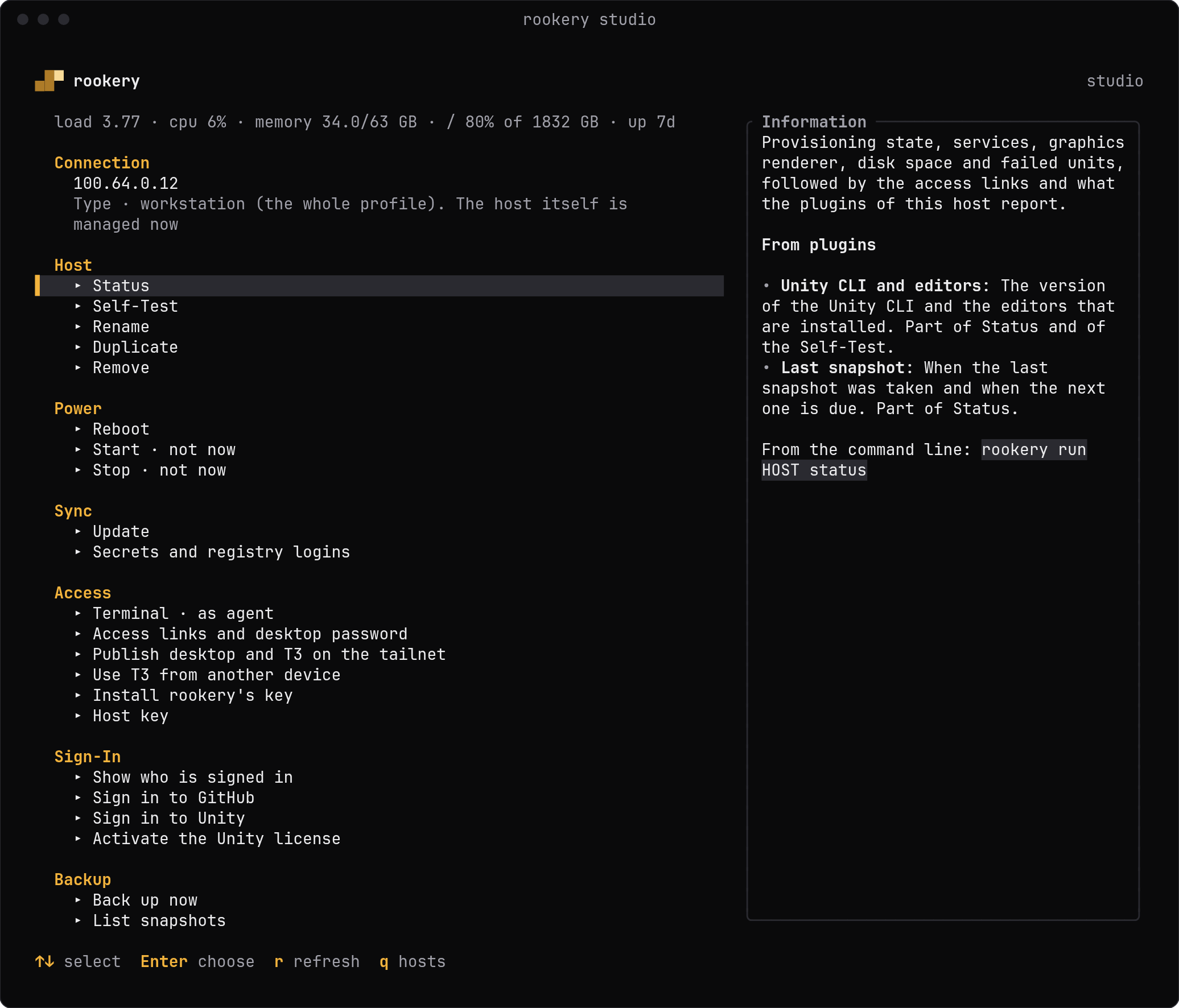
Rookery sets up Ubuntu 26.04 amd64 machines for coding agents and manages them from your own computer. Each machine, a host, gets a desktop you can watch from the browser and the tools around the agents. The agents themselves come from plugins. Rookery's terminal UI has a page per host for status, sign-ins, updates and secrets.
Rookery can also make the machines. A provisioner plugin, such as the Docker or Incus plugin, creates a container or a VM, and Rookery sets it up like any other host (Provisioners).
On each host
- XFCE on a persistent virtual display, reached in the browser through noVNC
- The agents you choose, installed by plugins
- Firefox, Chromium, Chrome, LibreOffice, image, PDF and OCR tools
- Development toolchains for Node, Python, Go, Rust, the JVM, .NET and more (Tools)
- A desktop adapter for agents, as a command and as an MCP server (box)
- Tailscale, the Cockpit web console and unattended security updates
- An operator account for you and an agent account for the coding agents
A laptop also gets a physical XFCE login. Graphics run on the host's GPU or on the CPU (Graphics). Other software, such as the GitHub CLI, the Unity CLI or nightly backups, comes as plugins too.
Ways to deploy
They all run the same Ansible role, so the result is the same.
Laptop from a USB stick
An unattended installer that sets up a blank machine without questions.
Existing server over SSH
A host you can already log in to, set up in place.
Cloud machine from a seed
cloud-init user data for Hetzner or any provider that takes it.
Container
The desktop as a Docker image, for trying things out.
Status
Early software
Validation lists what is checked and how. Try a profile in the container or a VM before booting the installer on real hardware: the installer erases the disk it selects.
Where to go next
Last updated on