

Using Rookery
Day-to-day work with hosts, from the terminal UI or the command line.
Once a host is installed, you look after it from Rookery, from sign-ins and tokens to shells and updates.
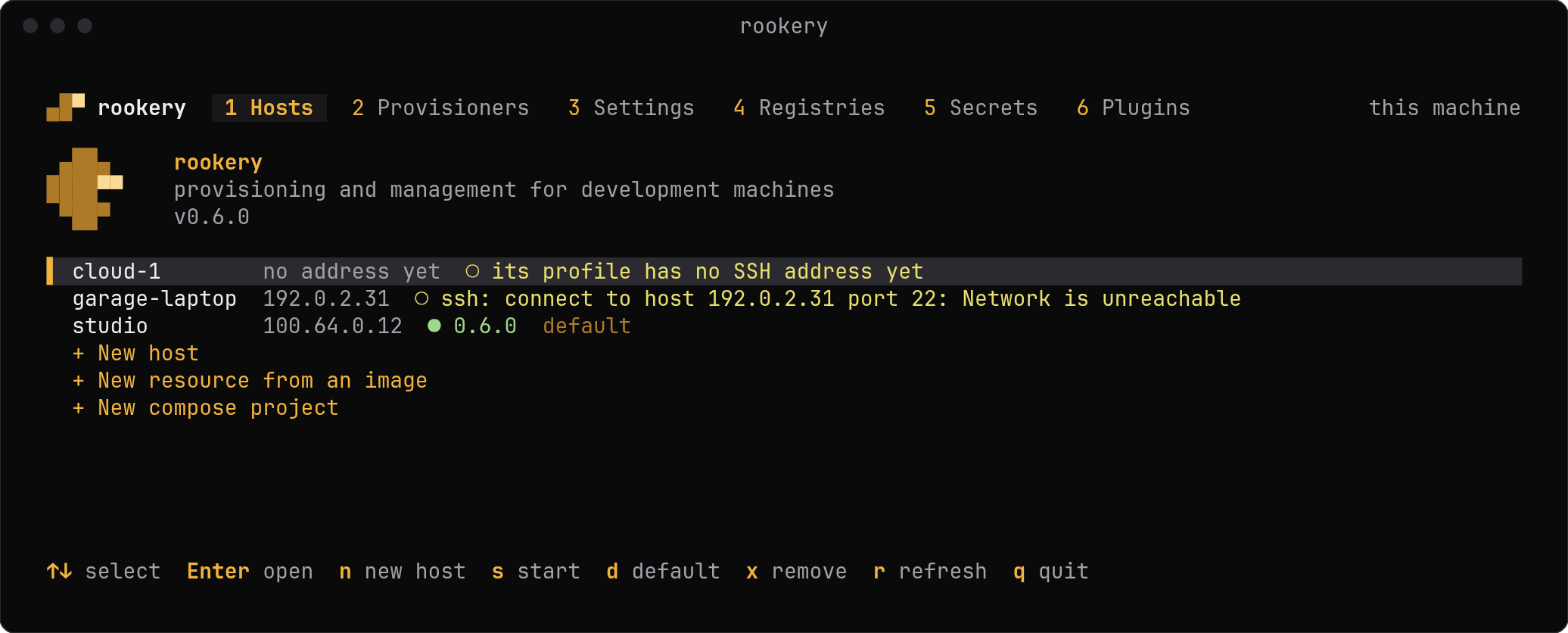
The terminal UI
The home screen, the set-up tabs, keys and the mouse.
A host's overview
Actions, the terminal panel and sessions.
Commands
Everything without the UI, for scripts.
A Rookery server
Use the hosts of a
rookery serve from another machine.Access and the desktop
Links, the tailnet, Cockpit and SSH.
Accounts and sudo
The operator, the agent and what it may do as root.
Sign-ins
Signing in to GitHub and to the agents that plugins install, and T3 pairing.
Secrets
Tokens as environment variables or files.
Registries
npm, Docker and Nexus logins, and publishing the release.
Backups
Nightly restic snapshots of the agent's data.
Updates
What updates itself, what you update, and the limits.
Edit on GitHub
Last updated on